
THE KITCHEN STUDIO · CONSULTANT GUIDE
From design render to presentation image.
Use our master prompt to improve lighting, materials and styling, with the cabinetry treated as the fixed design reference.
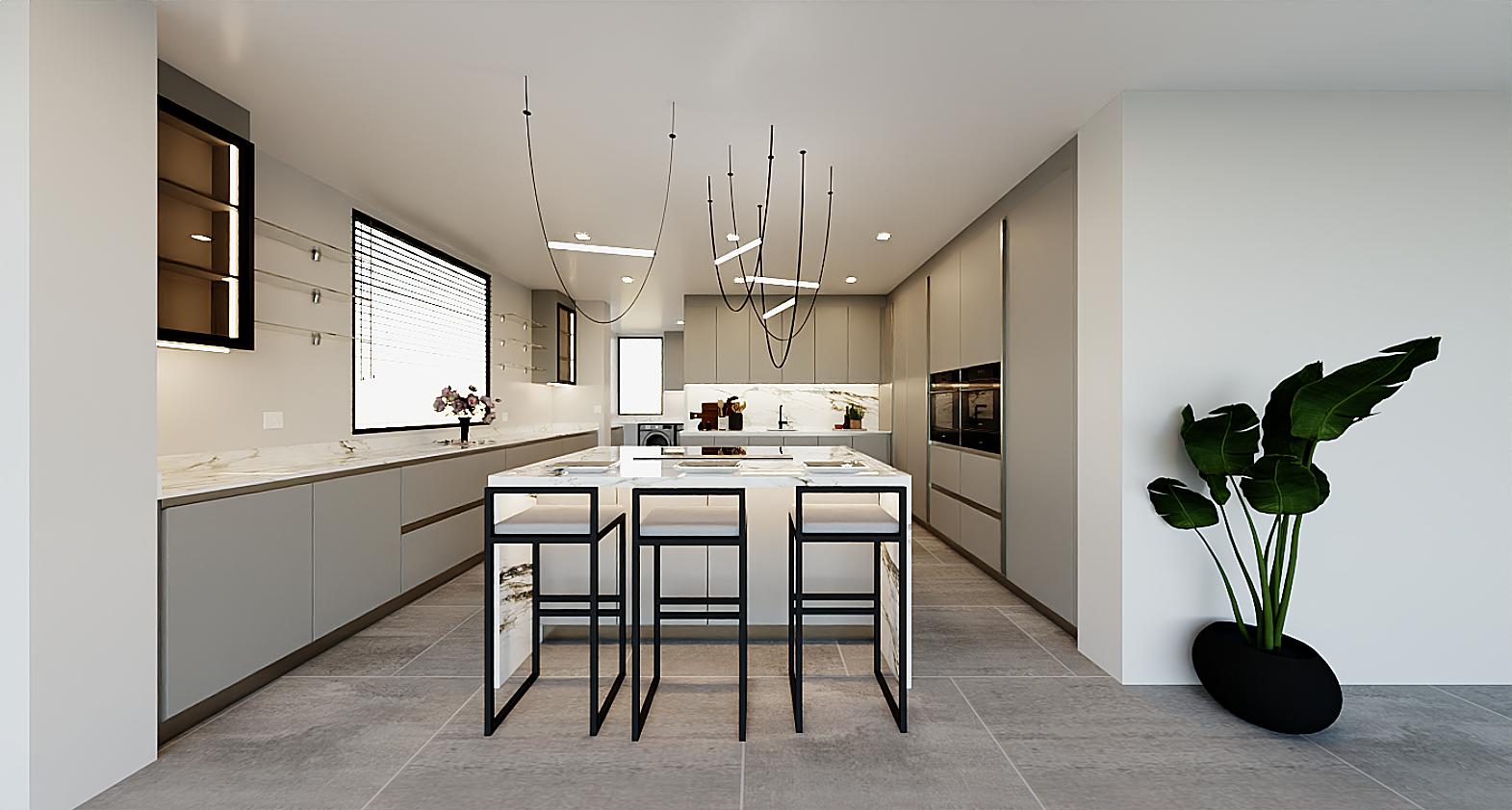
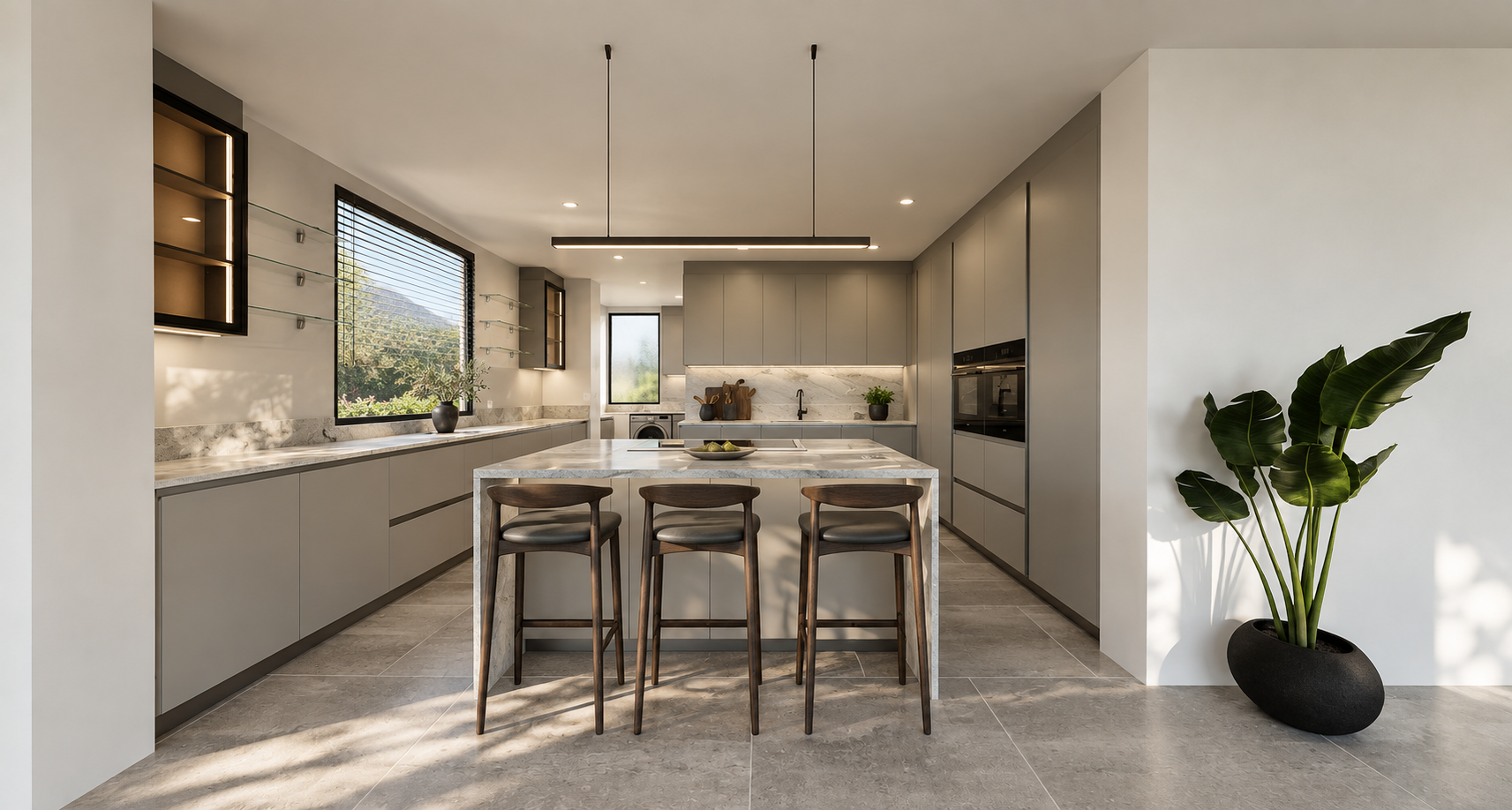
Drag to compare the original render with the enhanced image.
One kitchen. Thirteen views.
Explore the kitchen and scullery from each angle.
02 / 13
Kitchen — island front view
Lighting and realism
More natural light, deeper shadows and more convincing surfaces.
Coordinated styling
Updated stone, flooring, seating and lighting designed around the cabinetry.
Design review
Check the original against the result before using it in a client presentation.
These examples were created using the master brief plus a shared styling direction for this project. Results vary. Some framing, cabinetry details and styling shifted between images; exact preservation is not guaranteed.
Four steps to a stronger presentation.
STEP 1
Upload your renders
Start a ChatGPT conversation and attach clear, full-resolution renders. Upload the other views of the same room together as references.
STEP 2
Copy and paste the master prompt
Use the button below to copy the complete prompt and send it with your images. Add any project-specific finishes or items that must also remain unchanged.
STEP 3
Keep the room consistent
Review one enhanced view first. For the remaining views, provide the original render and the selected enhanced view as the styling reference. Ask for the same finishes, furniture and lighting throughout.
STEP 4
Check before presenting
Compare every cupboard and drawer division, handle, shelf, island detail and cabinetry finish. Also check the camera angle, worktop thickness, appliances, openings and proportions. Request corrections for anything that has changed.
This prompt allows changes to stone, flooring, loose furniture, decorative lighting and accessories. If these are already specified or quoted, explicitly lock them before generating.
Copy. Paste. Enhance.
Use the complete prompt below with your original renders.
If a design detail changes
Compare this result with my original render. Restore the following details exactly: [list the changes]. Keep the improved lighting and surrounding styling. Do not change any other cabinetry, dimensions, divisions, handles, finishes or camera position. Return the corrected image and flag anything you could not preserve.